Products & Care
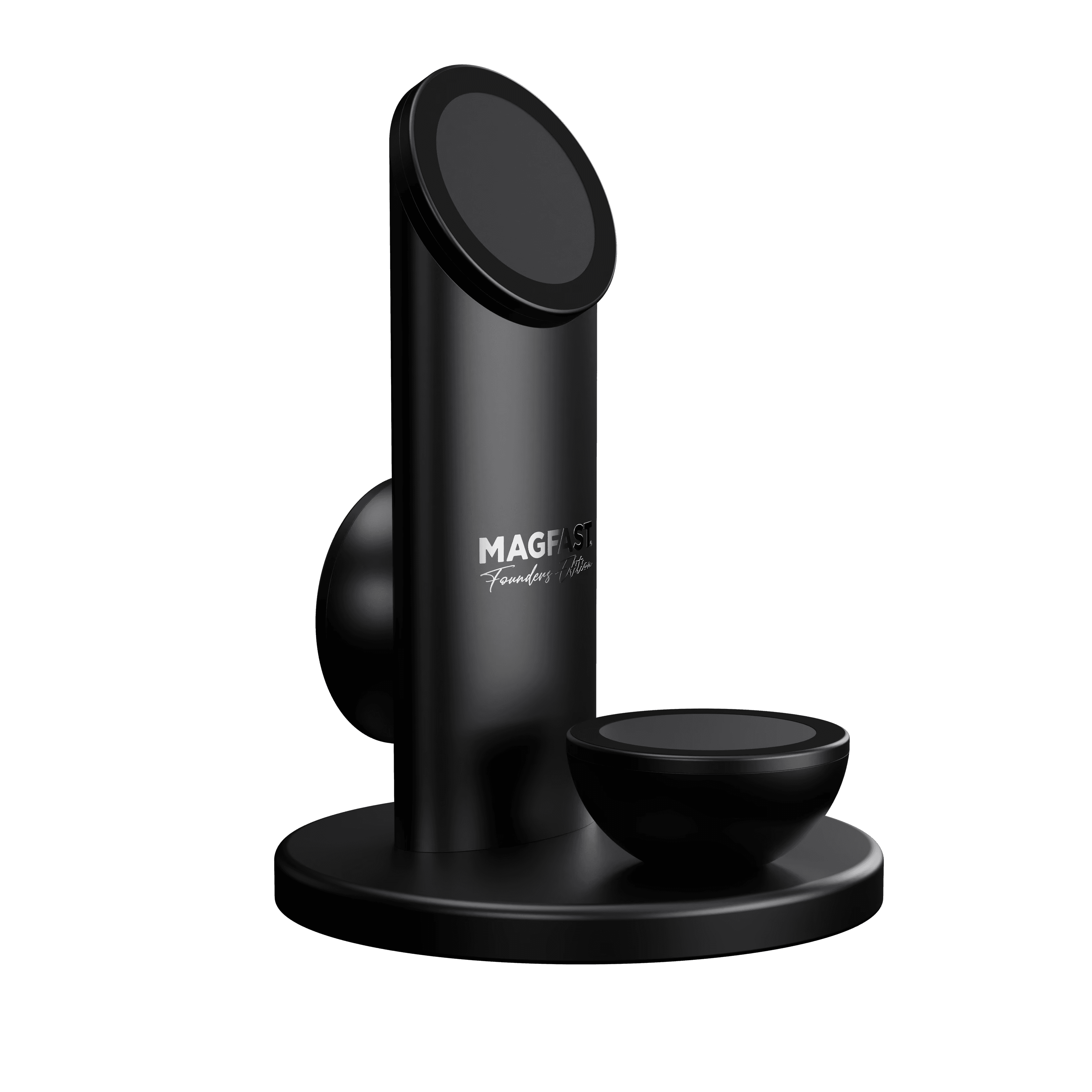
Air Pro™
Charging Station — Setup & Support Guide
Air Pro isn't just a charger — it's a premium charging station engineered to last decades, and built to look beautiful on your desk. This page covers everything you need to set it up, get the best out of it, and fix the rare hiccup.
The basics — what you need to know
Three full-power Wireless Magnetic Charging (WMC) surfaces — phone, earbuds, and a backup device, all charging at once.
Two 140W USB-C ports on the back — one to power Air Pro (POWER IN), one to pass power through to other devices (POWER OUT).
2.25 lb — over a full kilogram of machined, aircraft-grade aluminum, so it stays planted when you lift your phone off it.
Register to activate — scan the Fingerprint™ QR code on the base (or visit MAGFAST.com/FP) to activate your warranty and enroll in Lost & Found.
Air Pro is a wireless charger — not a power bank. It needs to stay plugged into the wall to work. For charging on the go, that's what MAGFAST® Passport is for (pre-order now, shipping December 2026). More on this just below.
Charger, not a power bank — the one thing to understand first
This trips people up, so it's worth thirty seconds:
Air Pro (Wireless Charger) | Passport (Wireless Power Bank) |
|---|---|
A stationary station that plugs into the wall. It draws power from the outlet and transfers it wirelessly to your devices. | A portable battery you pre-charge. Take it anywhere — no outlet needed. |
It does not store power — unplug it and it stops charging. | Stores power and charges your devices wirelessly, on the move. |
Air Pro needs to be plugged in to charge your devices. For portable charging, pair it with MAGFAST® Passport — available for pre-order now, shipping December 2026.
What's in the box
MAGFAST® Air Pro — Wireless Magnetic Charging Station (2.25 lb / 1.02 kg)
Activate before first use: scan the Fingerprint™ QR code on the base of your Air Pro, or visit MAGFAST.com/FP, to register your unit. It activates your warranty and enrolls you in Lost & Found — takes under a minute, best done before you plug in.
The 2-minute setup
Step 1 — Find a spot near a wall outlet. ⚡ Air Pro is a wireless charger, not a power bank — it needs to stay plugged in. Its weight is deliberate: over a kilogram, so it stays put when you grab your phone off it. Pick a spot on the desk or counter near an outlet.
Step 2 — Power it up properly. Connect a 65W-minimum USB-C PD power source to the POWER IN 140W port on the back of the base. For the best experience across all three surfaces at once, use a 140W power source — the MAGFAST® Powerbrick Pro 140 with a Lux Pro cable is the ideal pairing. This matters: too little wattage means slow charging, or the surfaces won't charge properly.
Step 3 — Place your devices. Set a phone, earbuds, or any magnetic device on any of the three surfaces. The magnetic snap tells you it's aligned, and charging begins instantly. All three surfaces work independently and can charge at the same time.
Your three charging surfaces
All three are identical in power and quality — they differ only in how they're angled, so each suits a different device and how you actually use your desk. Each delivers up to 15W of magnetic wireless charging.
1. Tower top — slanted 📱 At the top of the tower, angled toward you. Ideal for your phone while you work — screen visible, notifications readable, charging at full speed. Best for: your main phone.
2. Front pad — flat (the top of the front dome) The flat surface on top of the solid front dome. Sits horizontal, so things rest flat and stay put. Best for: earbuds, Passport, or Time Pro (the recommended spot for a watch charger).
3. Tower rear — vertical Faces away from you on the back of the tower. Keeps the front of your desk uncluttered. Best for: a second/backup phone, or Passport.
Note on the upcoming Ceramic (WMCC) editions: those step the wireless charging up to 25W per surface. The current aluminum Slate Gray edition charges at 15W per surface.
The two rear ports
POWER IN 140W — this is how you power Air Pro. Connect your USB-C PD power source here. 65W minimum to run it; 140W recommended so all three surfaces run at full power at once.
POWER OUT 140W — a pass-through power port. Use it to charge a laptop, tablet, or other high-wattage USB-C device — or to power a MAGFAST® Database Pro.
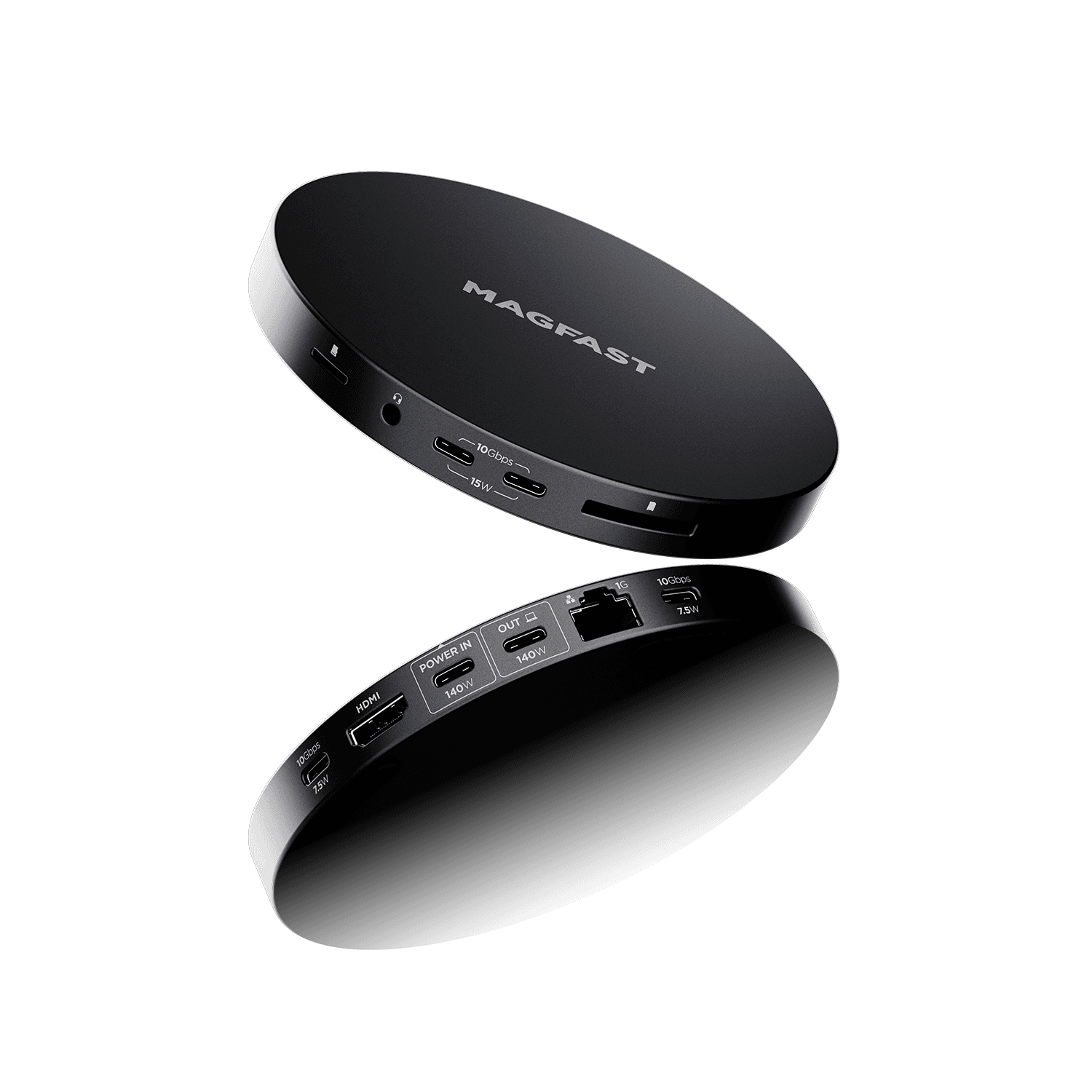
About Database Pro: the magnetic snap between Air Pro and Database Pro is physical alignment only — satisfying and secure, but no power or data passes through the magnets. Power runs from Air Pro's POWER OUT to Database Pro via a USB-C cable, and Database Pro's data connection runs to your computer separately. For demanding hub setups (multiple monitors, lots of accessories), dedicated power straight into Database Pro gives the best experience.
Charging a watch? You'll need Time Pro
Air Pro does not charge an Apple Watch or Samsung watch on its own. To charge a watch, add MAGFAST® Time Pro — a separate accessory (available December 2026). It snaps onto any Air Pro surface and wirelessly powers your watch. It's not included with Air Pro.
Power requirements — the golden rule
Air Pro needs real power to do its job.
✅ Minimum: 65W USB-C PD power source.
✅ Best experience: 140W USB-C PD power source (the Powerbrick Pro 140 + Lux Pro cable pairing).
With 140W, all three surfaces plus the POWER OUT port can run at full power together.
With 65W, it works well for one or two devices but may limit the charging of several at once.
Under 65W: it won't work properly — surfaces won't charge, or will be very slow.
Key specifications
Charging surfaces | 3 × identical Wireless Magnetic Charging surfaces |
Charging power | 15W per surface (Slate Gray); 25W per surface on the upcoming Ceramic / WMCC editions |
Surface diameter | 5.87 cm each |
Power input | 140W USB-C, POWER IN port (65W minimum) |
Power output | 140W USB-C, POWER OUT pass-through port |
Total height | 17.62 cm |
Base diameter | 13 cm |
Weight | 2.25 lb / 1.02 kg — over a full kilogram |
Construction | Machined aircraft-grade aluminum (Slate Gray); ceramic-glazed on Ceramic / WMCC editions |
Warranty | Register at MAGFAST.com/FP to activate |
Works best with
MAGFAST® Passport — pre-order, ships Dec 2026. Snaps to any surface and charges wirelessly; also chargeable by cable from the POWER OUT port (faster).
MAGFAST® Time Pro — separate accessory, Dec 2026. Snaps onto any surface to wirelessly charge an Apple Watch or Samsung watch.
MAGFAST® Database Pro — snaps under Air Pro's base for a clean, unified look; powered from POWER OUT via USB-C (see the Database Pro note above).
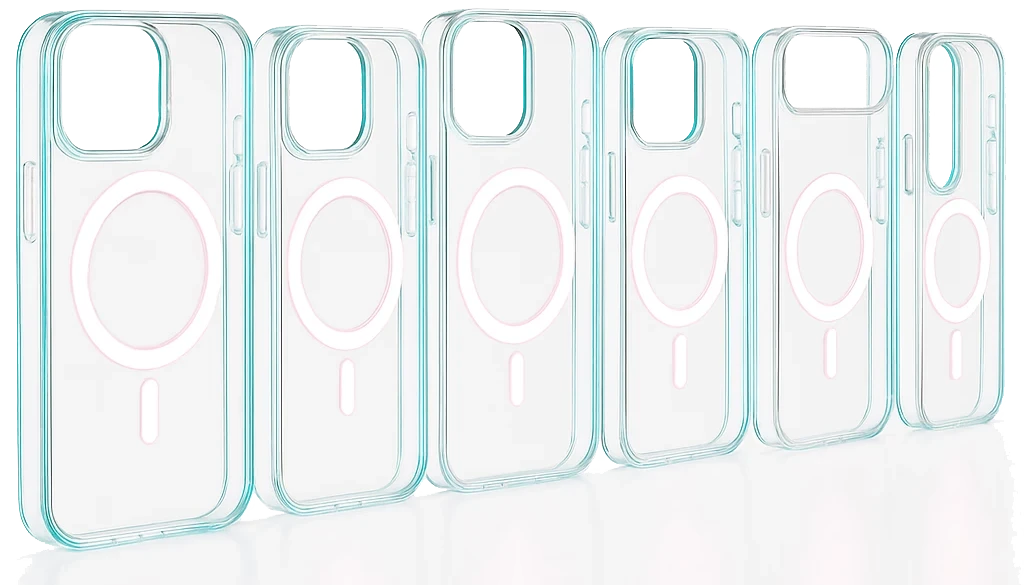
MAGFAST® Clear Cut Case — any phone in a Clear Cut Case snaps onto any surface with perfect alignment.
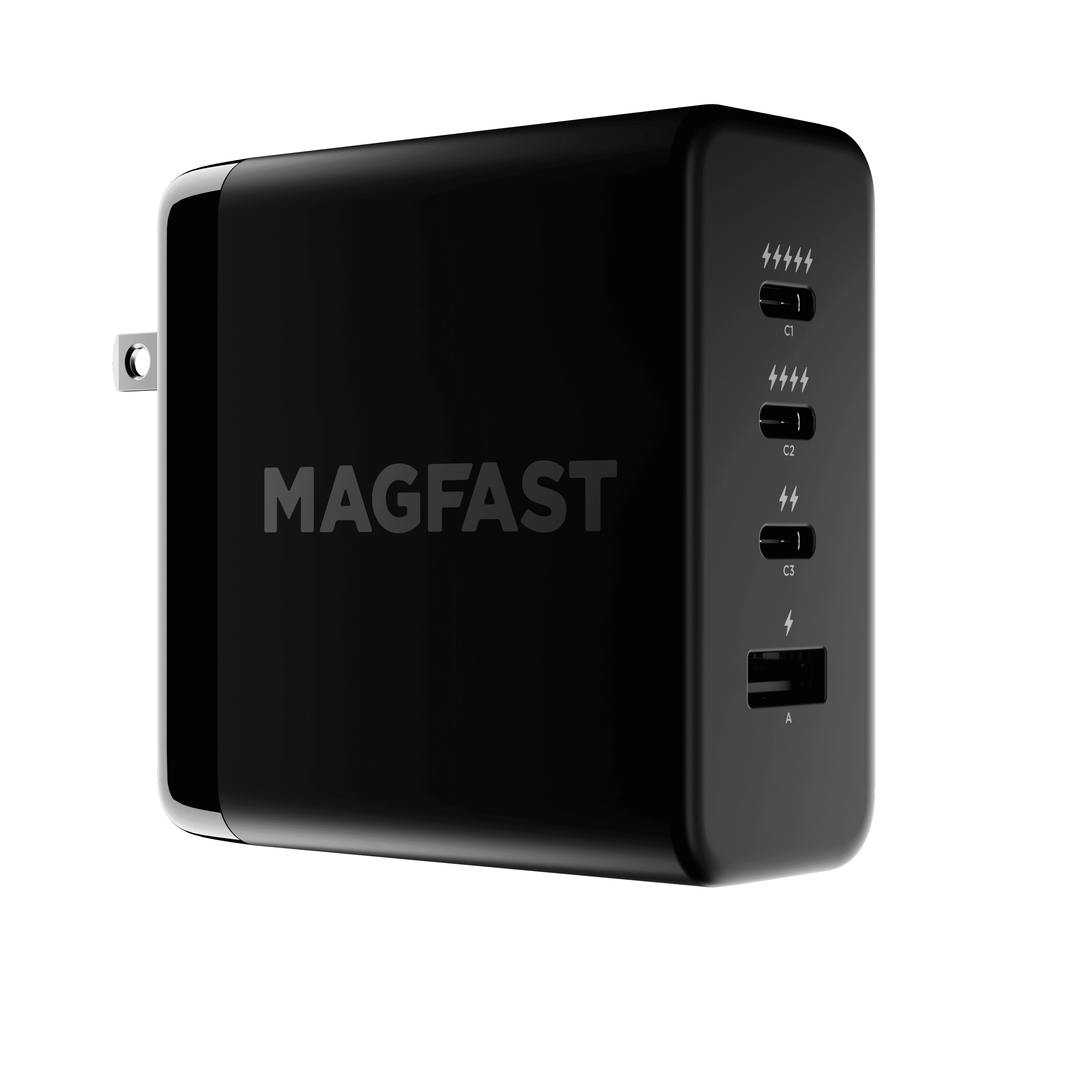
MAGFAST® Powerbrick Pro 140 — the ideal power source: up to 140W, enough to run Air Pro at full performance across all three surfaces at once.
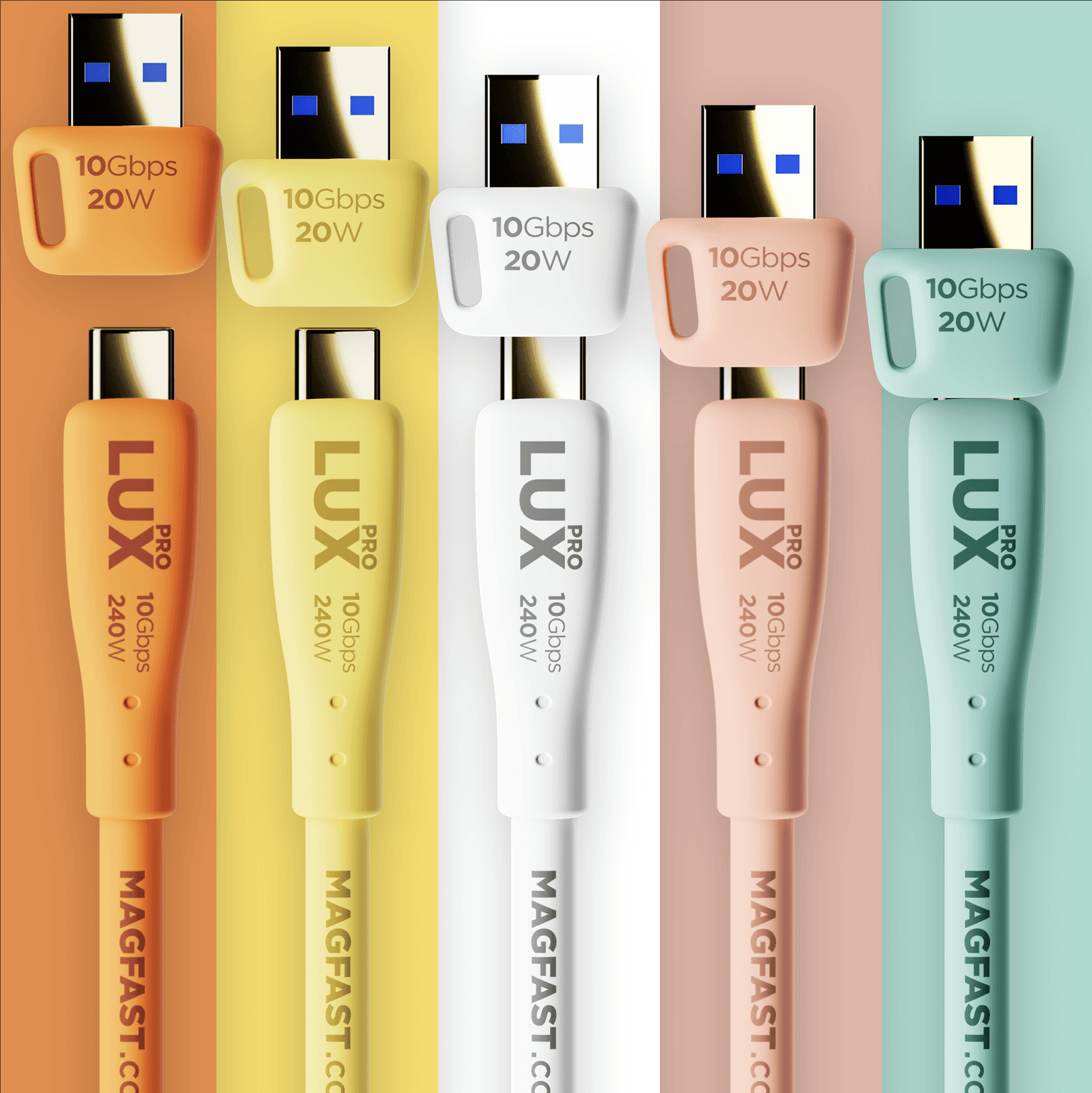
MAGFAST® Lux Pro — MAGFAST's premium USB-C cable (240W, 10Gbps). Ideal for connecting Air Pro to its power source, or powering Database Pro from POWER OUT.
Troubleshooting — top issues & quick fixes
1. Nothing's charging Most often, the power source is too weak.
Use a 65W-minimum USB-C PD power source.
Check the power source is plugged into both the wall and Air Pro's POWER IN port.
Try a different wall outlet.
2. My phone won't stick / keeps sliding off
Case check: a thick case (over ~3mm) or a non-magnetic case can block the magnets.
Phone check: the phone needs magnetic wireless charging — iPhone 12 or newer, or an Android phone with a magnetic (MagSafe / Qi2) case or ring.
Clean the surface: dust weakens the magnetic hold.
Try a different surface.
3. Can't charge several devices at once
Is your power source 65W or higher? (Underpowered power sources split the power, so only one surface gets enough.)
Are all devices magnetic-charging compatible and properly aligned?
Try charging one device on each surface individually first.
Fix: step up to a 100–140W power source for full multi-device charging.
4. Charging is slow
Remove a thick case.
Use a higher-wattage power source.
Charge fewer devices at once.
Let the phone cool down if it's been somewhere hot.
5. The POWER OUT port isn't working
Is a cable plugged in? (It's a wired port — it needs a cable.)
Is Air Pro itself powered?
Try a different USB-C cable, and a different device.
FAQ
Which phones work with Air Pro? Any phone with magnetic wireless charging — iPhone 12 and newer (all models), or an Android phone (Samsung, Pixel, etc.) with a magnetic MagSafe/Qi2 case or ring.
What about AirPods? Yes — AirPods Pro (1st & 2nd gen) and AirPods 3 with a wireless charging case. Use the front flat pad or the rear vertical surface.
Can I charge an iPad wirelessly? No — iPads don't support wireless charging. But you can charge an iPad from the POWER OUT port with a USB-C cable.
Do I need a special case? For iPhone 12 and newer: no, as long as any case you use is MagSafe-compatible. For most Android phones: yes — a magnetic case or ring adapter.
How fast is 15W wireless charging? Roughly 50–60% as fast as wired. An iPhone goes 0–50% in about 30–40 minutes.
Can I use all three surfaces at once? Yes. For full power on all of them together, use a 140W power source.
Does it work with PopSockets or phone rings? Not if they sit over the back-center magnets. Remove them, or use a MagSafe-compatible accessory.
Can it charge my watch? Not on its own — you'll need MAGFAST® Time Pro (a separate accessory, available December 2026).
Why is it so heavy? That's the point. The 2.25 lb of machined aluminum keeps Air Pro planted, so you can lift your phone off without the whole charger coming with it.
Device compatibility
✅ Works perfectly with:
iPhone 12, 13, 14, 15, 16 — all models
AirPods Pro (1st & 2nd gen), AirPods 3, AirPods 2 (with a wireless charging case)
Samsung and Google Pixel phones with a magnetic (MagSafe / Qi2) case
Any magnetic-wireless-charging device
⚠️ Needs a magnetic case or ring adapter:
Most Android phones (no built-in magnets)
iPhone 8, X, XS, XR, 11 (wireless charging, but no magnet ring)
❌ Won't charge wirelessly (use the POWER OUT port instead):
iPads and tablets
Laptops
Any device without wireless charging
Power source recommendations
MAGFAST® Powerbrick Pro 140 — best experience, matches the aesthetic, powers everything at full performance.
Any high-quality USB-C PD power source rated 65W or higher — 140W for full performance across all three surfaces at once. If you're not using a Powerbrick, the one rule is simple: make sure it's a strong one — 65W minimum.
What to avoid:
❌ Small phone chargers (usually only 20–30W)
❌ Older laptop chargers that aren't USB-C PD
❌ Non-PD USB-C chargers
❌ Anything under 65W
Still need help?
If something isn't working as expected, just tell us:
which device you're connecting,
which surface or port you're using, and
if it's a laptop, the model.
We've got you. 🙂
MAGFAST Support — Hello@MAGFAST.com · Helpdesk
Did this answer your question?